$519.96Original price was: $519.96.$441.96Current price is: $441.96.
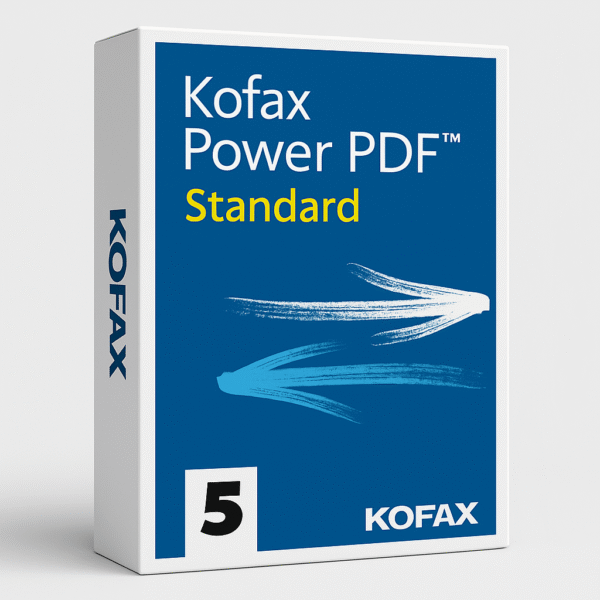
Kofax PowerPDF Standard is an easy-to-use PDF software designed for quick creation, editing, conversion, and secure sharing of PDF files. With its familiar Office-style interface and powerful features, it’s the perfect everyday PDF solution for home users and small businesses.
Kofax PowerPDF Standard – The Ultimate PDF Editor for Everyday Productivity
Kofax PowerPDF Standard is a powerful, intuitive, and cost-effective PDF solution designed for individuals, professionals, and small businesses who need complete control over their PDF documents. With its familiar Office-style interface and robust features, PowerPDF Standard makes it easier than ever to create, edit, convert, and secure PDFs—without the complexity or the high cost of subscription-based software.
Easy PDF Creation & Conversion
Quickly create PDFs from any Windows application, or convert your existing PDF files into fully editable Word, Excel, PowerPoint, or image formats. Whether you’re preparing reports, submitting digital forms, or sharing files, Kofax PowerPDF Standard ensures your documents look professional and maintain quality.
Full Editing Tools for Professional Results
Edit text, images, fonts, and layouts directly inside your PDF—just like using a word processor. With simple controls for page reordering, merging, splitting, and annotating, PowerPDF Standard gives you everything you need to manage documents efficiently.
Advanced OCR for Searchable & Editable Documents
The software includes industry-leading OCR (Optical Character Recognition) technology to turn scanned documents or images into searchable, editable text. This saves time, eliminates manual data entry, and improves document accessibility.
Secure & Compliant Document Sharing
Easily protect sensitive information using password protection, permissions, and encryption tools. Kofax PowerPDF Standard ensures your PDFs remain secure whether you’re sharing them internally or with external clients.
Fast, Lightweight, and Cost-Effective
With its low system footprint and fast performance, Kofax PowerPDF Standard keeps you productive without slowing down your PC. Best of all, it’s a one-time purchase—no monthly or yearly subscription fees.
Key Features at a Glance
Create high-quality PDFs from any application
Convert PDFs to Word, Excel, PowerPoint, and more
Edit text, images, fonts, and layouts easily
Merge, split, and organize PDF pages
Add comments, highlights, and annotations
Fill and sign PDF forms
Built-in OCR for searchable/editable documents
Password protection and encryption for secure sharing
Fast, lightweight performance
One-time purchase—no subscription required
Frequently Asked Questions (FAQ)
1. What is Kofax PowerPDF Standard used for?
Kofax PowerPDF Standard is a PDF editor that allows you to create, edit, convert, organize, and secure PDF files for personal or professional use.
2. Does Kofax PowerPDF Standard require a subscription?
No. It is a one-time purchase with no recurring fees, making it more affordable than many competing PDF tools.
3. Can I edit text and images in a PDF?
Yes. PowerPDF Standard includes full editing tools that let you modify text, images, page layouts, and more.
4. Does it support scanned documents?
Absolutely. With built-in OCR technology, you can convert scanned documents into searchable and editable PDFs.
5. Is Kofax PowerPDF Standard compatible with Windows?
Yes. PowerPDF Standard is designed for Windows-based PCs.
6. Can I combine multiple PDFs into one file?
Yes, you can merge, reorder, or split pages easily using the built-in document assembly tools.
7. Is my data secure with Kofax PowerPDF Standard?
Yes. You can apply passwords, set permissions, and use encryption to protect your PDFs.
Reviews
There are no reviews yet.
Be the first to review “Kofax Power PDF Standard 5 for Windows ( 4 PC’s )”Cancel Reply



Reviews
There are no reviews yet.